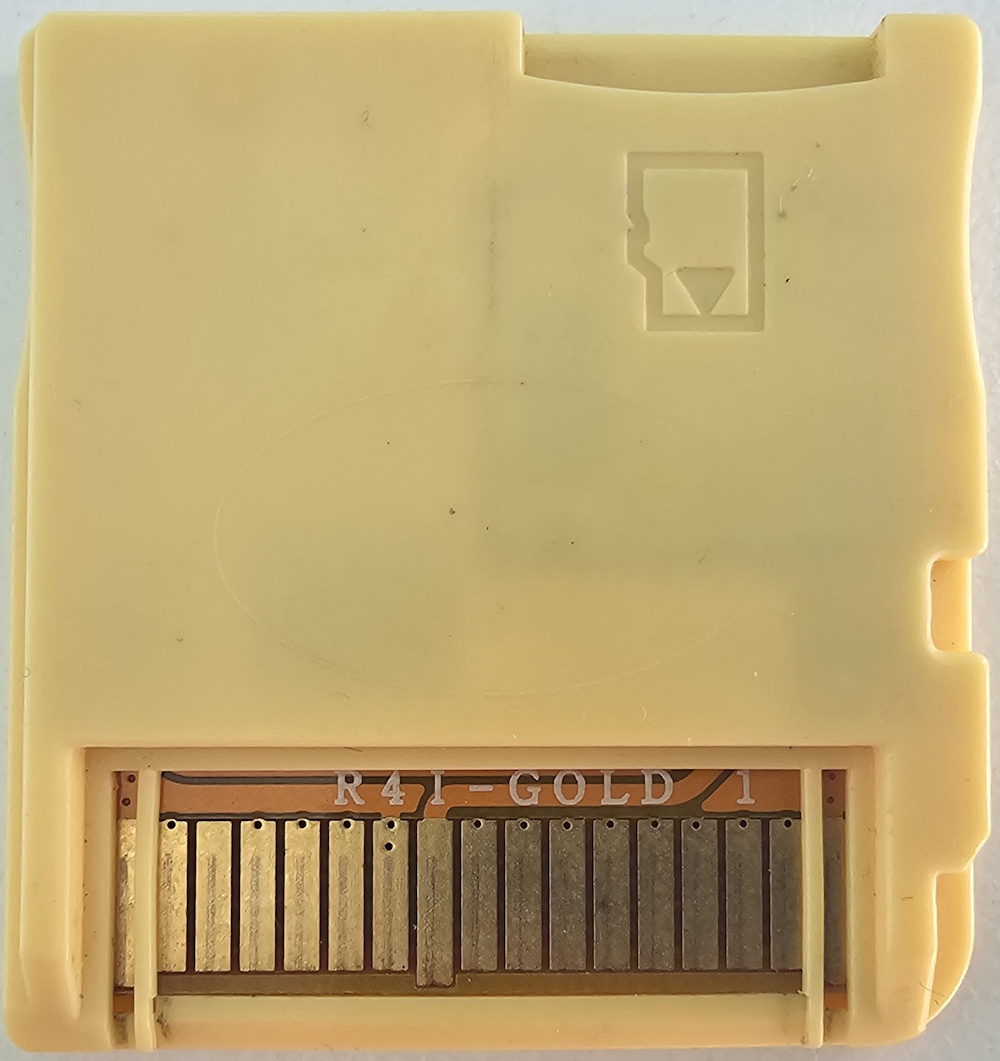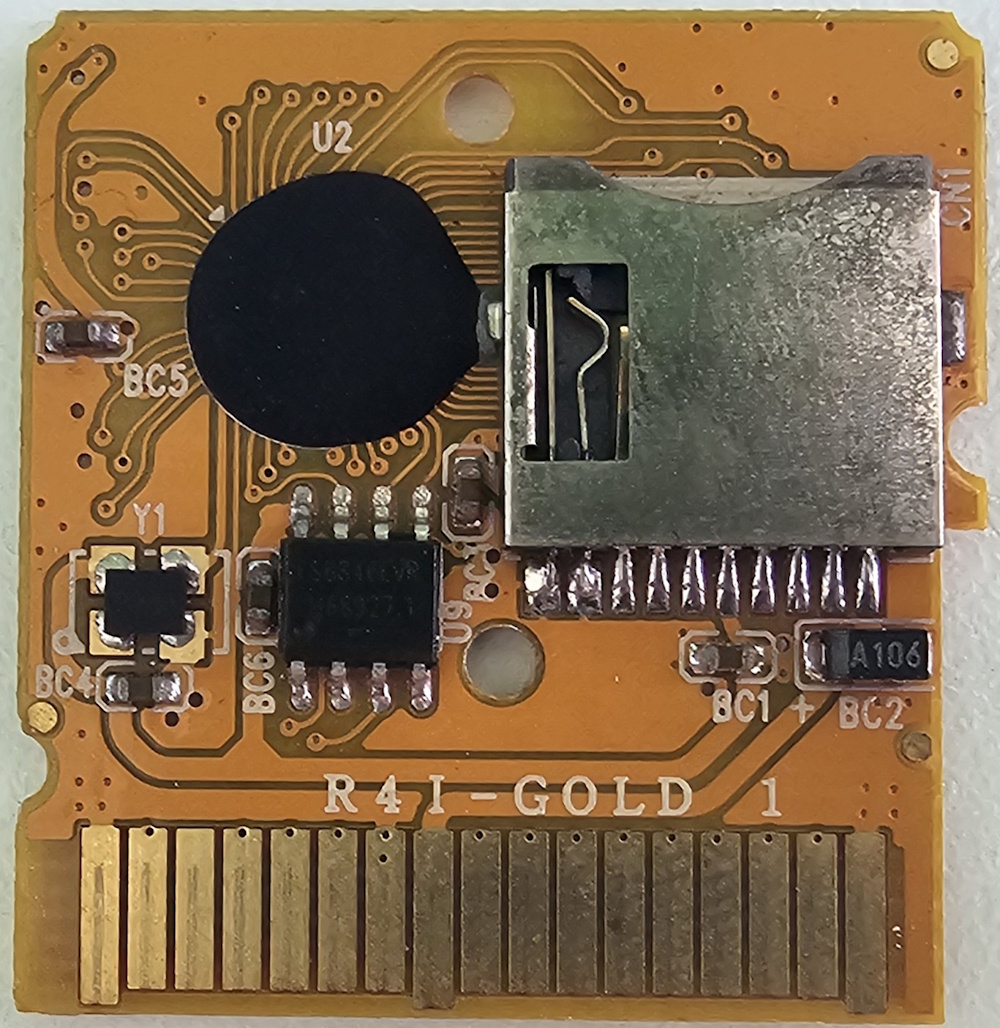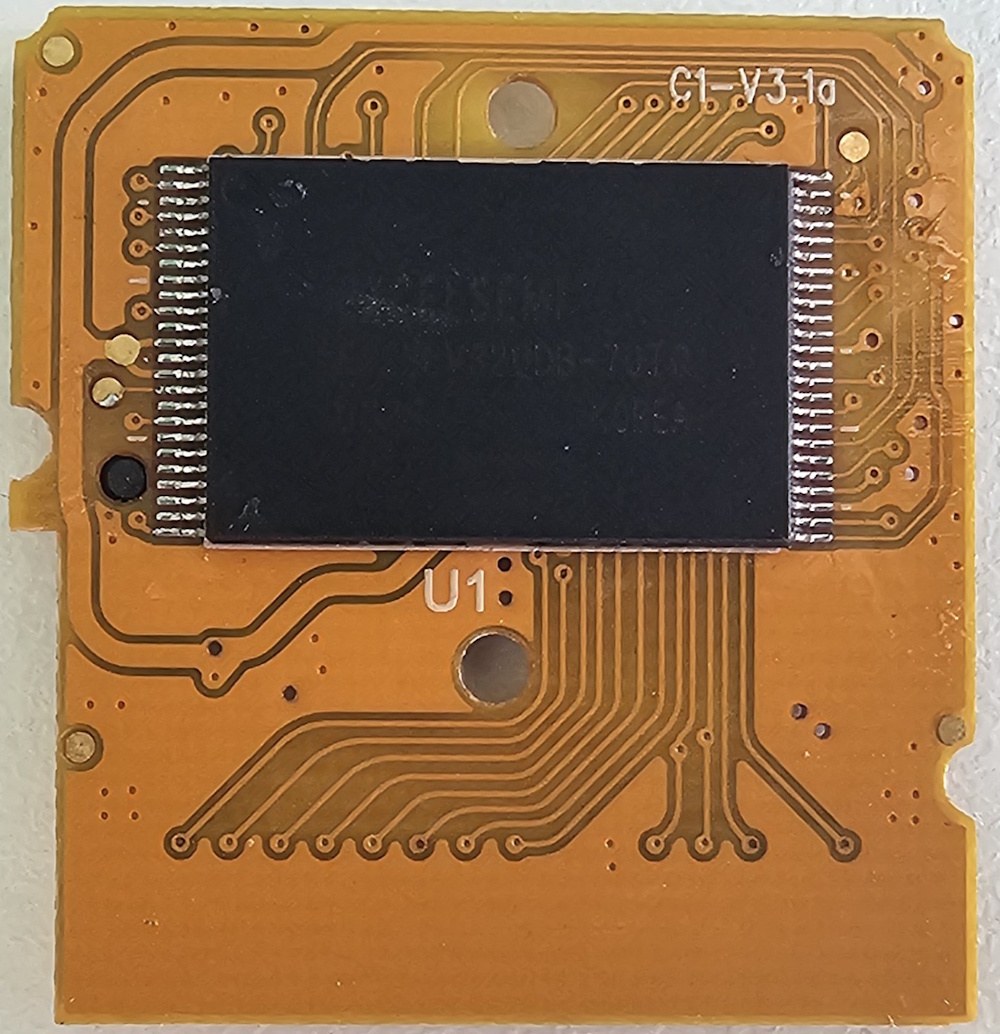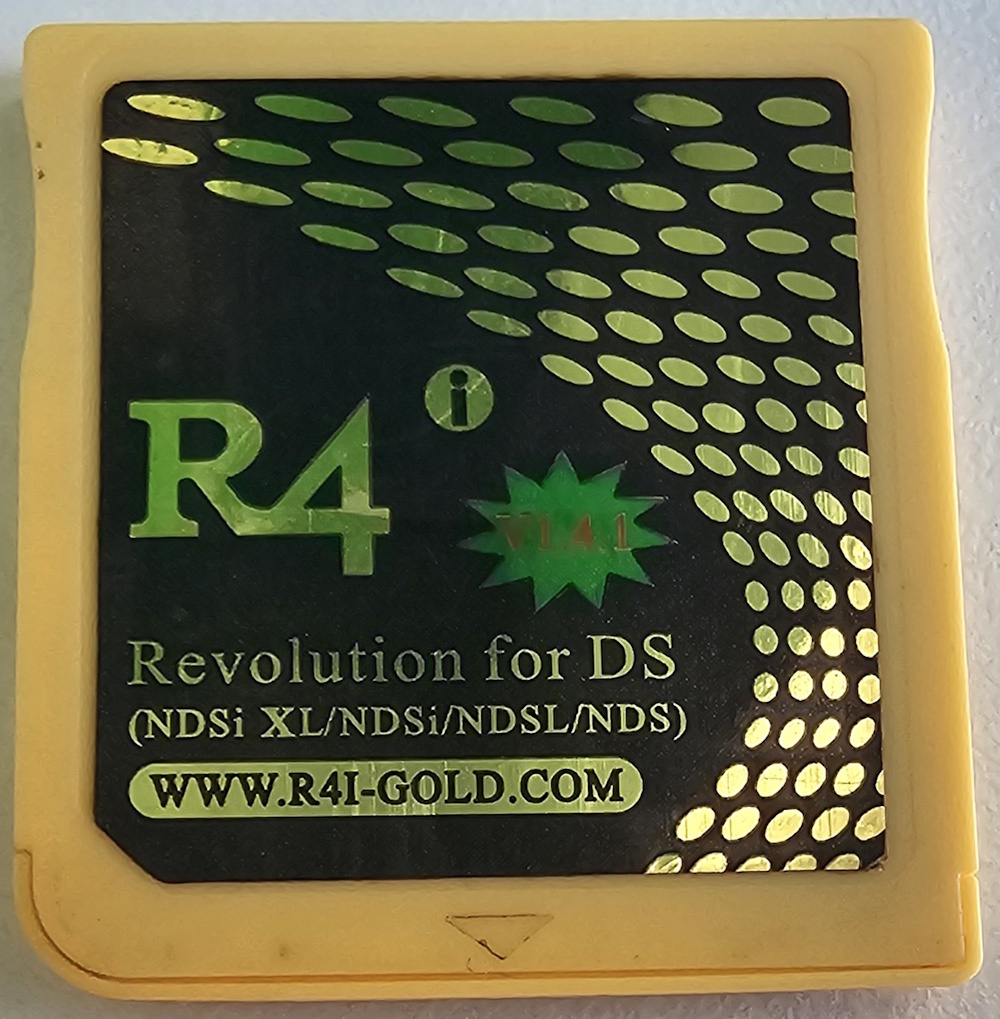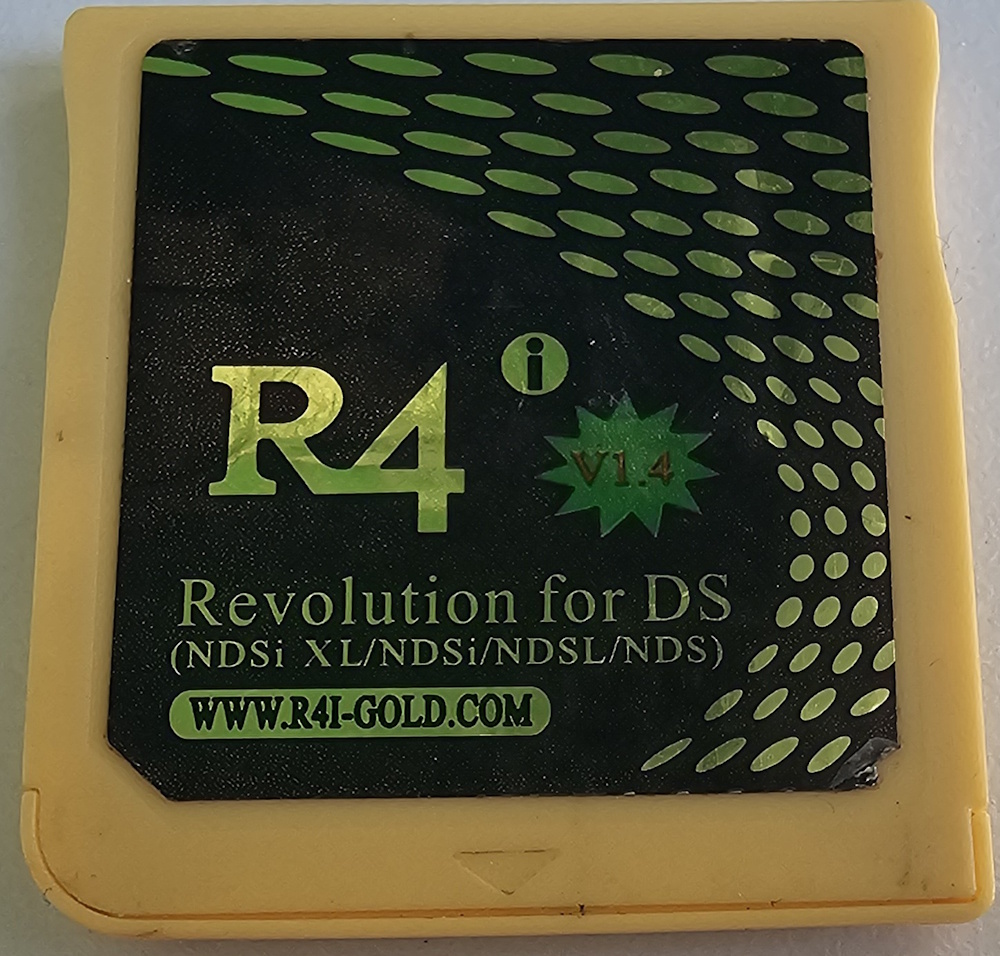
Description
This flashcart is a clone of the r4i-sdhc.com DSTTi carts. This cart was allegedly manufactured by r4isdhc.com themselves, with this flashcart being intended for a different market. The flashcart’s URL at some stage in 2014 would redirect to r4isdhc.com. With a modified R4.dat it can be made to run the official R4iMenu v1.87b kernel.
Some versions of this cart are standard DSTTi clones which can only run YSMenu, this is usually denoted by the PCB having “R4i Gold” on the right hand side of the PCB with no number rather in the center.
Setup Instructions (YSMenu)
- Format the SD card you are using to FAT32
- Download RetroGameFan YSMenu Fork 7.06
- Extract the YSMenu .7z you downloaded using 7-zip or similar, then go into the
DSTTi-Clone YSMenufolder. - From this folder, copy the following files/folders to your SD card root.
GamesfolderTTMenufolderTTMenu.dat
- Download DEMON YSMenu nds-miniboot.
-
Copy
R4.datto the root of your SD card. - Place any
.ndsgame ROMs you’d like to play into theGamesfolder.
Setup Instructions (R4i-SDHC 1.87b Kernel with patched boot file)
- Format the SD card you are using to FAT32
- Download the R4i-SDHC 1.87b Kernel
- Extract the R4i-SDHC 1.87b Kernel .zip file to your SD card root.
- Download R4_mod.dat and rename it to
R4.dat, replacing the existing R4.dat file from the kernel download. - Create a
Gamesfolder and place any.ndsgame ROMs you’d like to play into that folder or sub-folder.